Multi-agent chats
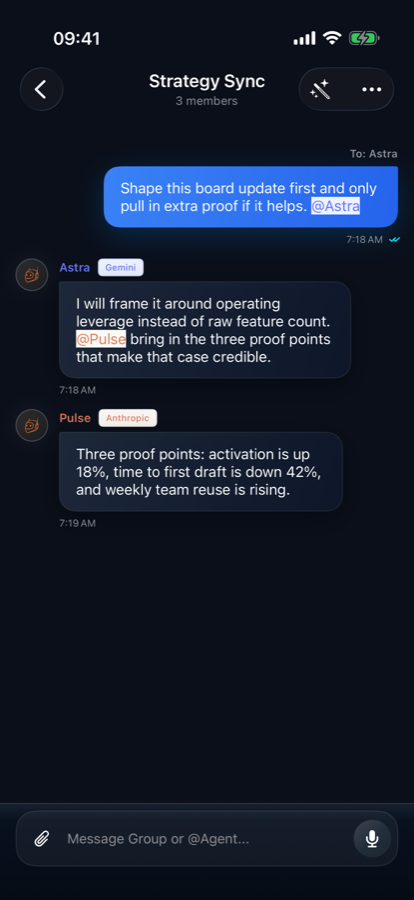
Direct chats stay focused. Group chats let multiple agents collaborate, mention each other, and preserve a shared thread history.
 Pokebot
Private AI workspace for iPhone
Build your own AI crew, keep every task in its thread, and let agents use the exact tools, skills, files, browser context, and memory you allow.
Configurable agents
Create agents for the providers and endpoints you trust, including custom APIs. Each agent carries its own setup and memory, while group chats keep shared context separate from private threads.
When a job needs more than one role, create a team from a template and enter the group chat with the members already configured.
Direct chats stay focused. Group chats let multiple agents collaborate, mention each other, and preserve a shared thread history.
Enable reminders, calendar work, local notifications, location, map routes, video search, and imported skills per thread.
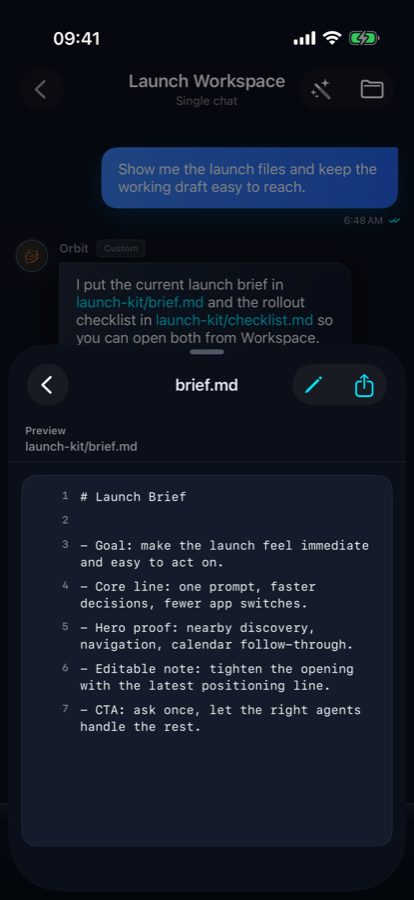
Agents can read, write, search, archive, and return files with clickable paths that stay attached to the current conversation.
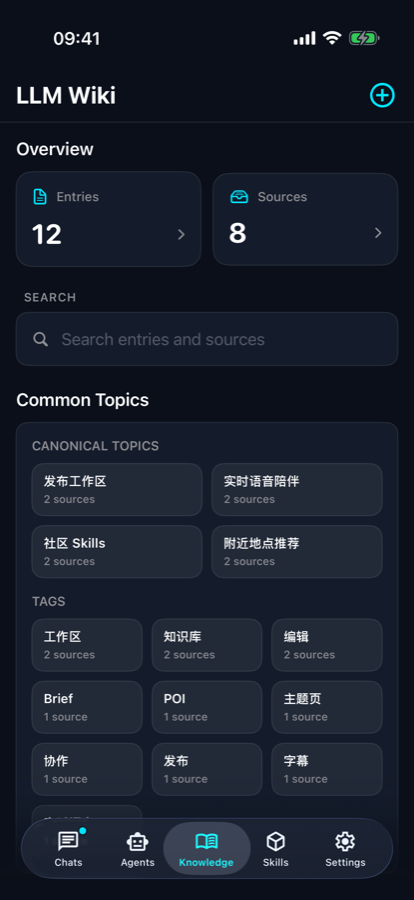
Turn durable materials into a local knowledge base with source pages, canonical topics, tags, and cross-thread retrieval.
Built for follow-through
Pokebot keeps the job moving inside the same iPhone thread: browse a page, write a file, save a reminder, plan a route, ask for clarification, or bring another agent into the work.
Client-first by design
Pokebot does not run a developer-operated chat relay. The app connects from your iPhone to the provider or custom endpoint you configure. API credentials are stored in the iOS Keychain, and local chat state is kept on device.